

Business workflows often depend on information spread across operational databases, customer platforms, and reporting tools. Connecting those systems is only the first step: useful automation also needs careful query design, predictable error handling, and a plan for growing data volumes. With n8n postgres database integration, teams can connect database events and records to the applications that act on them.
This guide explains how to configure PostgreSQL, MySQL, and MongoDB connections in n8n, build practical query-driven workflows, and keep the resulting automations secure and maintainable. You will see when to use each connector, how to avoid common failure modes, and how to test a workflow before it handles business-critical data.
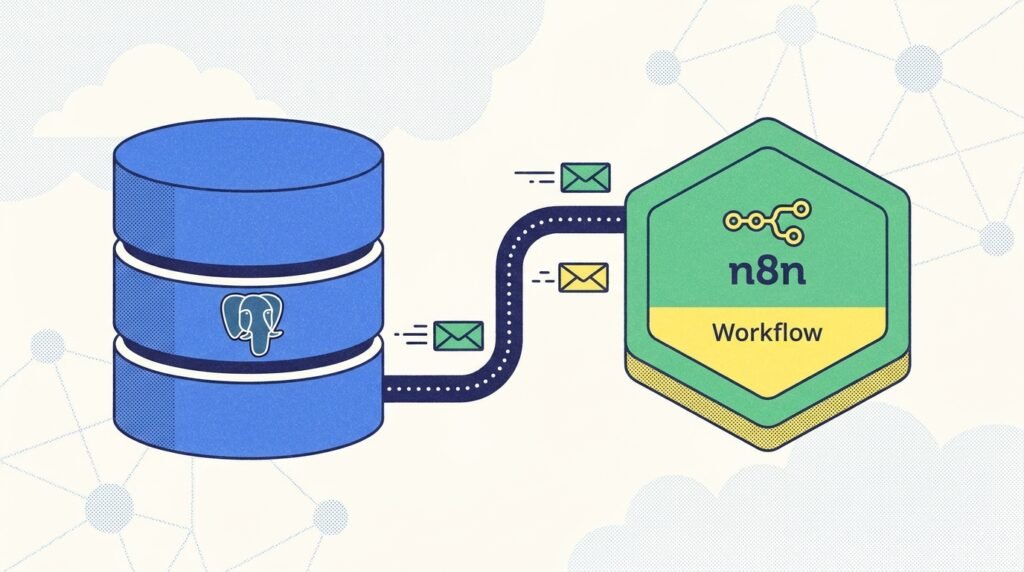
Plan an n8n Database Workflow Before Connecting
A successful database automation starts with a clear job, not a connector selection. Define what should trigger the workflow, which records it needs, what action follows, and how the team will know the operation succeeded. For example, an order workflow might find paid orders that have not yet been sent to fulfillment, create a shipment request, and mark each successfully processed order. Writing that sequence down exposes important decisions before any node is configured.
Start by identifying the system of record. PostgreSQL or MySQL may own the order data, while a CRM or service platform owns customer communication. MongoDB may store flexible event documents or application records. Avoid letting several tools independently decide which copy is authoritative. Instead, read from the system that owns the data, perform a clearly scoped operation, and write back only the status or result that the workflow is responsible for maintaining.
Next, estimate workload shape. A flow that checks a handful of new rows every hour has different requirements from one that imports millions of historical records or processes a steady stream of events. Record expected volume, acceptable processing delay, peak periods, and the consequences of a missed run. These details determine whether you should use a scheduled query, a database trigger or change-data mechanism outside n8n, a webhook, or a small paginated batch.
- Choose a trigger: schedule, webhook, or an upstream event that starts the workflow.
- Define the record boundary: select only eligible rows or documents using a stable filter.
- Make the action repeatable: decide how a rerun avoids creating duplicate downstream work.
- Set a completion rule: identify which database field or external response proves success.
- Plan for failure: determine whether to retry, alert, or route the item for review.
Then map the data. Note the fields the next node actually needs, their data types, whether they can be null, and any transformations required. A workflow that selects a full customer record when it only needs an identifier and email increases data exposure and makes every later node harder to reason about. Narrow selections also reduce network traffic and simplify testing.
Finally, draw the boundary between orchestration and database logic. Use n8n to coordinate systems, apply clear branching, and monitor progress. Let the database enforce constraints and perform appropriate set-based operations. For example, a unique constraint can prevent duplicate external event IDs even if two workflow executions overlap. This combination is more dependable than expecting a visual workflow alone to guarantee data integrity.
The n8n postgres database integration pattern is most useful when these boundaries are explicit: n8n coordinates the work, while PostgreSQL, MySQL, or MongoDB remains responsible for the rules and records it owns. Document the purpose, expected volume, and recovery plan before building. That short design step makes connector configuration much easier to review and gives your team a concrete definition of “done.”
Configure n8n Postgres Database Integration Safely
For PostgreSQL, begin with a dedicated database user for the workflow rather than an administrator account. Grant only the permissions required for the task: a read-only reporting workflow may need access to selected tables or views, while an order-status flow may need to update one specific column. Store the username, password, host, port, and database in n8n credentials. Do not paste secrets into SQL, expressions, workflow notes, or error messages.
Check the connection requirements with the database administrator or hosting provider. Confirm whether the server is reachable from the n8n runtime, whether TLS is required, and whether an IP allowlist or private network applies. A successful connection from a developer’s laptop does not prove that a cloud-hosted n8n instance has the same network route. Test connectivity from the environment that will actually execute the workflow, and use the credential test or a small read-only query before enabling writes.
In the PostgreSQL node, select the intended credential and operation, then build the query around explicit columns and a constrained condition. For example, a scheduled flow could fetch a limited group of eligible records:
SELECT id, customer_id, total, created_at
FROM orders
WHERE status = $1
ORDER BY created_at, id
LIMIT $2;
Use the node’s supported query-parameter fields to pass values such as the status and limit. Parameterization separates data from SQL syntax and helps protect against injection. Never create a query by inserting untrusted text directly into the SQL string. If a table or column name must vary, use an allowlist of known identifiers; query parameters are for values, not arbitrary SQL structure.
For recurring jobs, prefer an incremental boundary over rereading the entire table. A common design stores a last-processed timestamp or monotonically increasing identifier, requests the next ordered page, and advances the checkpoint only after the downstream action succeeds. Include a stable tie-breaker such as the record ID when timestamps can match. Otherwise, records created at the same time may be skipped or processed twice at a page boundary.
Think carefully about writes. An update should include a condition that limits it to the intended records, and the workflow should inspect the number of affected rows or returned values where the operation supports it. For upserts, choose a meaningful unique key and understand what happens when the key already exists. A transaction can make related database changes atomic, but it cannot automatically roll back an email or API call that has already happened in a separate service. Design the sequence and recovery behavior around that boundary.
When a workflow needs to pass records to another application, return only the fields that application requires. Test with representative rows, including nulls, unusual characters, and boundary values. Then test a database outage and an invalid input deliberately. These checks reveal whether the flow stops safely, records enough context to diagnose the problem, and avoids marking incomplete work as finished. For connector options and node behavior, consult the n8n PostgreSQL node documentation alongside your database’s own guidance.
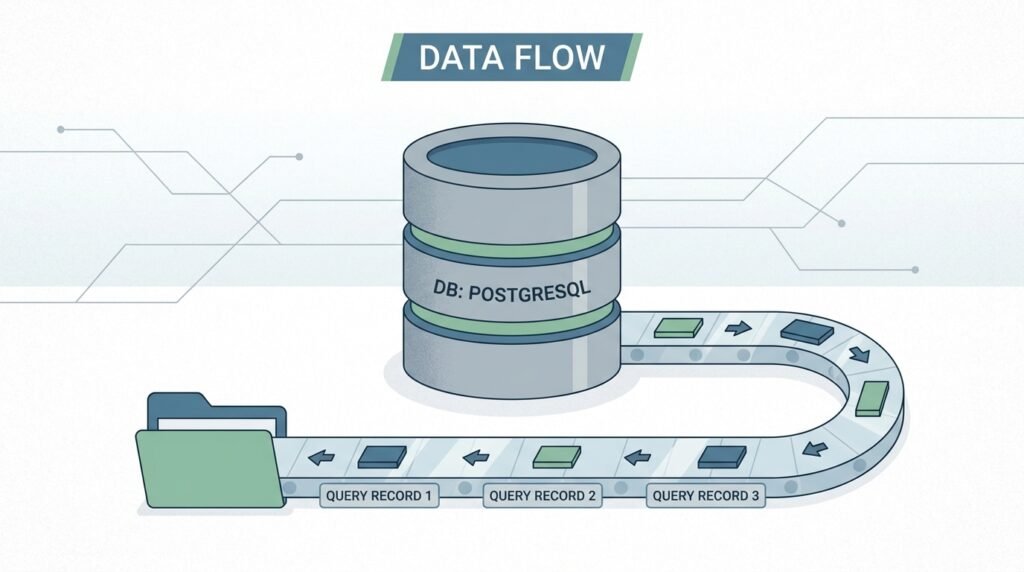
Build an n8n MySQL Automation Workflow for Operations
An n8n mysql automation workflow can coordinate customer updates, inventory checks, fulfillment tasks, and reporting from data held in MySQL. The node-based approach is similar to PostgreSQL, but the connector’s available operations and query behavior should be verified against the version of n8n and database you actually run. Start with a least-privilege MySQL account, a credential stored in n8n, and a connectivity test from the n8n execution environment.
Consider a stock replenishment example. A scheduled trigger runs every few minutes, the MySQL node selects active products whose available quantity is below a reorder threshold, and an IF node checks whether the supplier is enabled. The flow then creates a purchase request in an inventory platform and updates the source record with a processing state or request reference. A final notification can summarize failures for the operations team without sending an alert for every successful item.
Query a bounded set instead of fetching every product on every run. Select the product identifier, quantity, threshold, supplier identifier, and any required destination fields. Order results consistently and use a limit. For a large catalog, process pages using a stable key or a stored checkpoint. Offset pagination can become slow for deep result sets and can produce inconsistent pages when records are inserted or deleted during processing. Keyset pagination, using the last seen unique key as the next boundary, is often a better fit for changing data.
Be deliberate about how you mark a row as handled. If you update the product before the purchase request is accepted, a downstream API failure can leave the database claiming that work completed when it did not. If you call the API first and the workflow stops before saving its response, a retry may create a duplicate request. One practical solution is an idempotency key derived from a stable business identifier, such as a replenishment cycle and product ID. Store that key in the destination when supported, and retain the returned request ID in MySQL.
Concurrency also matters. Two overlapping runs may read the same eligible stock record before either has updated it. Prevent duplicate work through a database constraint, a claim or status transition that safely reserves eligible records, or a downstream idempotency mechanism. The right option depends on the application and permissions. If records are claimed, add a clear expiry or recovery rule so a crashed execution does not leave them permanently locked.
Watch data types and character sets at system boundaries. Decimal quantities and prices should not be casually converted to binary floating-point values, dates should be interpreted consistently, and text encoding should be tested with real customer or product names. If a field can be absent, make the workflow’s handling explicit instead of assuming every row is complete.
Operational visibility turns a working demo into a maintainable n8n mysql automation workflow. Include the record key in execution logs where appropriate, but avoid logging passwords or sensitive personal data. Track records read, records successfully handled, and records routed to an error path. Test an unavailable destination, duplicate input, and a row with missing supplier information. For authoritative details on MySQL behavior, use the MySQL documentation, and review the relevant n8n connector documentation when node options differ between releases.
Use an n8n NoSQL Database Connector for MongoDB
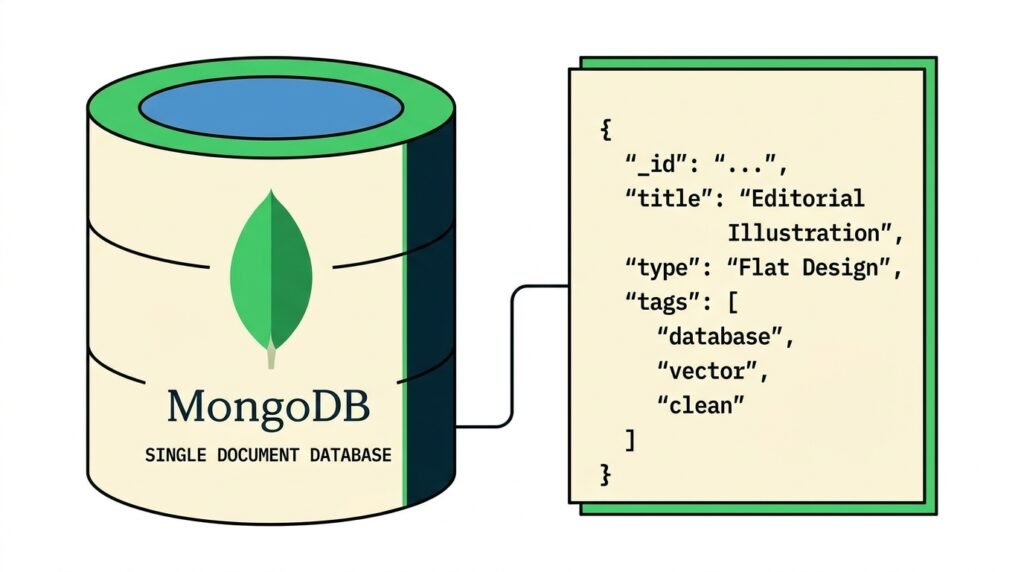
MongoDB is a good fit when business records have document-shaped structures or fields that vary between records. An n8n nosql database connector can make those documents available to a workflow, but flexible schema does not mean every document is interchangeable. Before connecting, identify the collection, the fields that are stable enough to drive automation, and the indexes that support the query. Use a dedicated MongoDB account with access limited to the required database and collection.
For example, an application may store support events as documents containing an event type, account ID, timestamp, and a nested payload. A scheduled workflow can query unprocessed events of a specific type, extract the small set of fields needed to create a ticket, then record a processing result. A document may contain optional fields or older versions of a payload, so add validation and branching before passing values to a ticketing or analytics system.
Favor precise filters and projections. A filter might select documents where the event type matches and the processing state is pending, while a projection returns only the event ID, account ID, timestamp, and necessary payload attributes. Avoid retrieving large embedded histories when the next step needs only a small summary. This reduces transfer volume and protects sensitive fields that should not leave the database.
Plan pagination and ordering deliberately. Use a stable sort, typically involving a timestamp and unique document identifier, and process a bounded batch. If the collection is large, ensure the query has an index that supports its filter and sort. A query that is acceptable against a small development collection may become expensive in production. Check its behavior with representative data and collaborate with the database owner before adding or changing indexes on a busy system.
Document updates should be narrowly scoped. Filter by the document’s unique identifier and, where useful, its current processing state. This protects against overwriting changes made by another application between the read and the write. If a document’s structure differs from expectations, send it to a review path with a useful error category rather than silently dropping it or repeatedly retrying an item that will never validate.
MongoDB does not remove the need for idempotency. If an event can be delivered twice, store a processed-event key or use a unique constraint in the destination. If the flow calls an external service and then updates the document, consider what happens if the update fails after the service accepted the request. A stable request key, reconciliation workflow, or explicit pending/complete state can reduce duplicate actions and make recovery possible.
The n8n nosql database connector should be treated as part of a data contract: define which document versions the flow accepts and what happens when a new version appears. Test old and new document shapes, absent nested values, malformed identifiers, and unexpectedly large payloads. Use MongoDB’s official documentation to verify query and index behavior, and keep connection secrets in n8n credentials. For patterns that apply across connectors, browse the Seelaunch automation blog.
Make Database Automations Reliable at High Volume
Data-heavy workflows need explicit limits. A single query returning tens of thousands of records can consume memory, slow executions, and make recovery difficult. Use small batches, cap query results, and tune concurrency to fit both the database and downstream services. A high execution limit does not necessarily increase throughput: it may simply cause more simultaneous queries, lock contention, API throttling, or connection exhaustion.
Choose a batch size through testing rather than guesswork. Begin with a conservative limit, measure execution time and resource use, then increase gradually while watching database load and downstream response times. The best size depends on record width, network latency, query complexity, and what each workflow item does next. Add a delay or rate limit when an API has quotas, and use queue-based execution or controlled concurrency where your n8n deployment supports it and the workload justifies it.
Design retries around the kind of failure. A brief network interruption or temporary service limit may be worth retrying with a delay. A syntax error, invalid identifier, or missing required field will not usually improve on a retry. Separate transient failures from permanent data problems with error branches, bounded retry settings, and an alert or review queue. Include enough context to identify the affected record, but keep credentials and sensitive values out of messages.
Build idempotency into every operation that may be retried or replayed. A workflow execution can stop after a destination accepted a request but before n8n stored the response. On the next attempt, the same item may arrive again. Use an external idempotency key when available, enforce uniqueness in the database, or keep a durable processing ledger. A status column alone may be insufficient if the workflow cannot tell whether the destination acted before an interruption.
Checkpoints should move forward only when the work they represent is safely complete. For a paginated import, store the last successful key after the batch has been handled, not merely after it has been read. If processing a batch can partially succeed, make the recovery behavior explicit: either safely replay the whole batch using idempotent actions or persist per-record outcomes. Avoid advancing a single checkpoint past records that still need attention.
Security and observability belong in the design, not as afterthoughts. Use TLS where supported, restrict network access to known sources, rotate credentials according to organizational policy, and separate read and write identities when practical. Keep development, test, and production credentials distinct. Review who can edit or execute workflows that access business data, and avoid exposing raw query results in broadly visible execution histories.
Before release, test normal processing, an empty result, an oversized batch, malformed data, a database outage, a downstream timeout, and a retry after partial success. Monitor execution failures and processing lag, then compare the number of records selected with the number completed. These measures help distinguish “the workflow ran” from “the business work finished.” For more planning ideas, explore Seelaunch’s practical automation articles. Reliable n8n postgres database integration and its MySQL and MongoDB equivalents rely on the same fundamentals: limited access, bounded queries, safe retries, and observable outcomes.
Frequently Asked Questions
Can n8n connect to PostgreSQL, MySQL, and MongoDB?
Yes. n8n provides database integrations for PostgreSQL, MySQL, and MongoDB. The available operations and configuration fields can vary by node and n8n version, so check the current connector documentation and test against the database environment you intend to use.
Should I use a database node or an API?
Use a database node when the workflow needs controlled access to database records and the database owner permits that access. Use an application API when it is the supported interface, when business rules live behind that API, or when direct database access would bypass important validation.
How do I prevent duplicate records or actions?
Use stable identifiers and idempotency keys, enforce uniqueness in the database or destination when possible, and design retries so the same input can be safely replayed. Test what happens if an execution stops after an external service succeeds but before the workflow records completion.
How can I process large tables or collections?
Query bounded batches, return only needed fields, use stable ordering, and choose a pagination strategy that fits changing data. Monitor execution time and database load, and test batch sizes with production-like record volumes before scaling up.
How should database credentials be stored in n8n?
Store credentials in n8n’s credential management rather than in SQL strings, workflow notes, or expressions. Use dedicated least-privilege accounts, secure network connections, and separate credentials for development and production.
What should I do when a database workflow fails?
Classify the error before retrying. Retry temporary connectivity or rate-limit failures with bounded delays; route invalid data and permanent query errors for investigation. Preserve the affected record’s identifier and a useful error summary while excluding secrets and unnecessary personal data.
Conclusion: Connect Your Data Workflows with Confidence
PostgreSQL, MySQL, and MongoDB can each power useful n8n automations when the workflow has a clear data boundary, a well-scoped query, and a recovery plan. Start with one high-value process, test it with realistic records and failure cases, then expand through measured batches and carefully managed permissions.
Want help designing or implementing a dependable database automation? Talk with Seelaunch LLC about building workflows that connect your data and business systems.

