
Small teams often know which tasks they want to automate but not how to connect every app, trigger, and exception. n8n workflow templates offer a practical starting point: import a prepared workflow, connect your services, and adjust the steps to fit your process. Instead of building from a blank canvas, you can spend your time checking whether the automation is useful, safe, and reliable.
This curated guide covers seven useful workflows, what each one does, and the details to check before putting it into daily use. You will also find a simple deployment method for choosing a template, testing it with real scenarios, and improving it as your business changes.
Choose n8n workflow templates by the business problem
The best template is not necessarily the most complex or impressive-looking one. It is the workflow that removes a repeated bottleneck without creating extra work for your team. Start with an identifiable process: a lead waits too long for a response, customer requests are copied between tools, or weekly reporting takes an hour of manual exports. A specific problem gives you a measurable reason to deploy an automation.
Before browsing the n8n template library, write down the current process in plain language. Note what starts it, what information is needed, which actions happen next, who owns the result, and what should happen when something goes wrong. For example: a form submission arrives, the team checks whether the email is valid, creates a CRM record, assigns an owner, and sends a confirmation. That outline helps you compare a template with your actual process instead of selecting one based only on its title.
Use these questions to shortlist options:
- Does the trigger match? A scheduled workflow and a webhook-triggered workflow can solve related problems but behave differently.
- Are the integrations available? Confirm that the template uses your actual CRM, email platform, database, or messaging tool.
- Is the input data compatible? Check required fields, date formats, identifiers, and whether your source sends nested data.
- Can you own the exceptions? Decide who will investigate failed runs, duplicates, and incomplete records.
- Is the outcome worth maintaining? Estimate how often the task happens and the time or risk the automation can reduce.
Templates are starting points, not guarantees that a workflow will work unchanged. Credentials, app versions, field names, and account permissions differ between organizations. A template may assume that every incoming record has an email address, while your form allows phone-only submissions. It may update an existing contact using an identifier your team does not collect. These differences are normal; identifying them before activation prevents a clean-looking import from silently producing poor results.
Look for a workflow with a clear sequence and a manageable number of actions. A short automation that validates a lead and creates a CRM record can be easier to trust than an all-in-one flow that also enriches data, sends several notifications, and changes unrelated systems. Expand the workflow after the core path is reliable. This staged approach makes failures easier to diagnose and makes ownership clearer for a small team.
Finally, define success before you build. A useful measure might be reduced response time, fewer duplicate records, or the percentage of requests routed to the right owner. Record a baseline if you can. That lets you assess whether the automation improves the process rather than merely moving work from one app to another.
Seven n8n workflow templates for everyday operations
These n8n workflow templates represent common business needs rather than one-size-fits-all recipes. Each can be adapted to your tools and policies. Begin with the smallest useful version, confirm it handles normal and unusual inputs, and add more steps only when you can explain the value of each one.
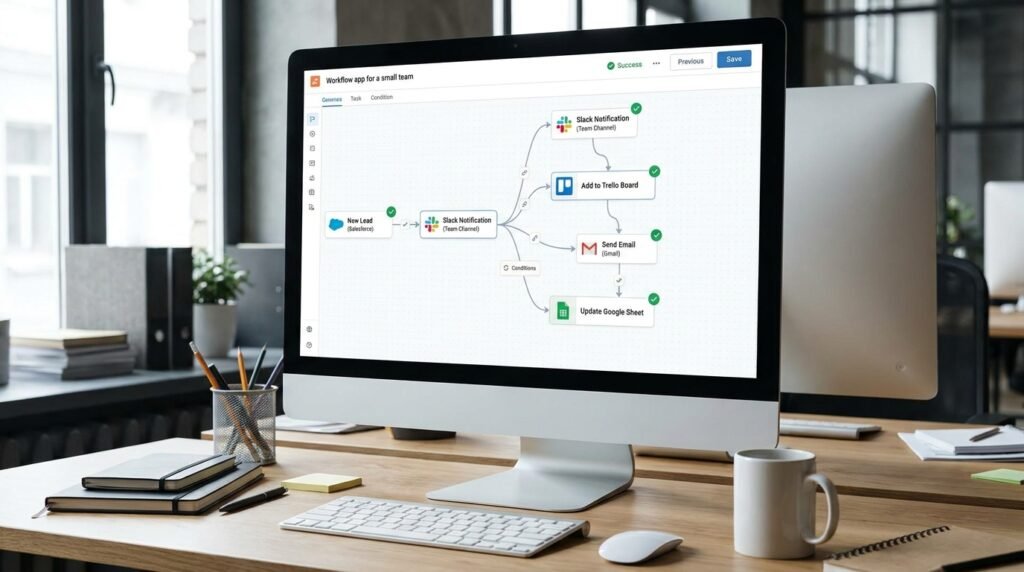
- Capture and route new leads. Trigger on a website form or webhook, validate required contact fields, create or update a CRM record, assign an owner, and send a confirmation. Add a branch for incomplete submissions so the team can request missing details instead of creating unusable records. Check how the CRM identifies an existing contact before enabling updates.
- Send internal alerts for high-priority requests. Watch for a new support ticket, form response, or sales opportunity, then evaluate its priority and notify the appropriate channel. Keep the alert concise: include a link to the source record, the reason it was flagged, and the person responsible. Avoid sending sensitive customer information into a channel that has broader access than the source system.
- Summarize customer feedback. Collect new survey responses or support notes, apply a consistent classification process, and store the result for review. Treat any automated categorization as an aid, not as a final decision for consequential issues. Preserve the original response and provide a way for a team member to correct the category.
- Sync approved records between apps. When a record reaches a defined status, map selected fields into another system. Decide which app is authoritative for each field, and prevent a two-way sync from overwriting newer information with stale data. A clear direction of travel is usually safer for the first release.
- Prepare a recurring performance report. Run a scheduled query, combine the required metrics, and send a concise summary to the people who use it. Include the time period and source links so readers can verify the numbers. A report that is easy to audit is more useful than one that looks polished but hides how the figures were collected.
- Follow up on invoices or approvals. Check for items that remain pending beyond a defined interval, then notify the owner or requestor. Exclude records already completed or explicitly paused. Use a sensible reminder limit so a temporary delay does not become repeated noise for the team.
- Archive completed work. When a project, ticket, or deal is closed, transfer approved details to an archive or reporting destination. Keep any retention rules and access restrictions in view. Test how the automation handles reopened records, since an item may no longer be final after its first closure.
For a first deployment, pick the workflow with a frequent, low-risk outcome and a clear source of truth. Lead routing and internal notifications are often easier to test than workflows that make financial decisions or delete data. A good initial choice has a visible owner who can review a few executions and confirm that the output is correct.
Some workflow automation examples look similar on the surface but need different safeguards. A notification can be retried with little impact; creating a duplicate invoice or sending a customer message twice can cause confusion. Think through the consequences of repeating each action. Where an action is not safe to repeat, use a unique record identifier or a status check to make the workflow idempotent: a repeat run should not create a second unintended result.
Adapt n8n workflow templates to your apps and data
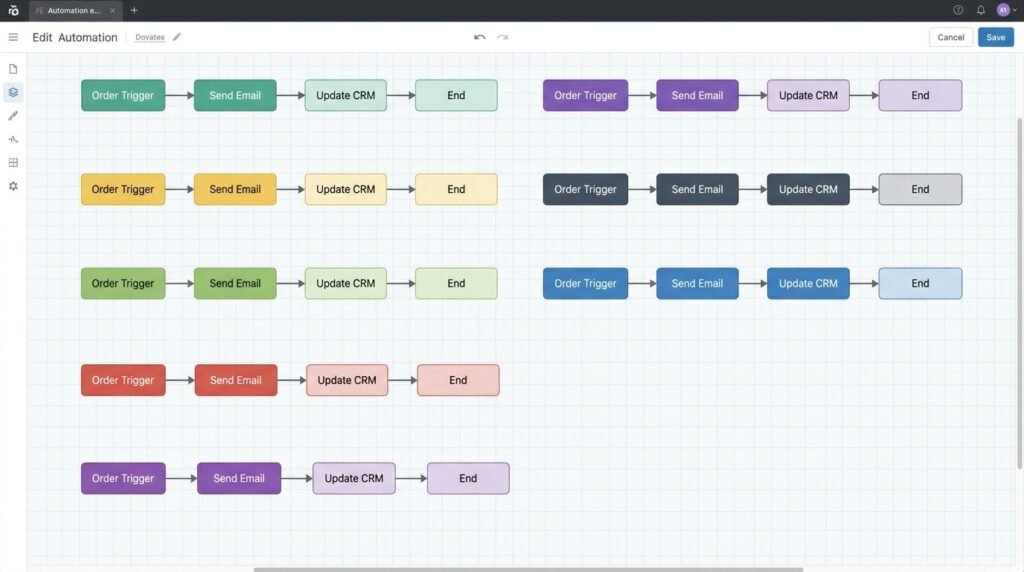
Once you choose a candidate, inspect it before connecting live accounts. Read the workflow from trigger to final action, identify every service it contacts, and check which fields pass between nodes. The n8n workflow templates you import may contain example credentials, placeholder values, or assumptions about data that do not match your setup. A quick review helps you understand what the automation will do before it receives real customer or business information.
Start by mapping your fields. For each incoming value, confirm its name, type, and meaning. A field called status might contain a label in one system and a code in another. A timestamp may arrive in a different timezone than the destination expects. If the template uses a sample property that your app does not send, replace it with a real field or add a validation step. Test with a small, representative sample rather than guessing from a successful-looking canvas.
Next, connect credentials using the minimum permissions needed. A workflow that only reads contacts should not have permission to delete them. Keep secrets in the platform’s credential controls rather than pasting them into node parameters or notes. If the workflow calls an API directly, review the authentication method, request structure, and rate limits. The n8n API authentication guide can help you plan safer credential handling, and the official n8n documentation provides product-specific setup and workflow guidance.
Use a controlled rollout:
- Duplicate or export the original. Keep a clean copy so you can compare changes or restore the starting point.
- Replace placeholders. Configure the trigger, credentials, field mappings, destination IDs, and any environment-specific values.
- Run a normal test. Use a realistic record and verify the result in every connected app, not just in the execution view.
- Test a failure case. Try missing data, an unexpected value, an unavailable destination, or an already-processed record.
- Enable cautiously. Start with a narrow trigger, limited audience, or manual review step where possible.
Pay particular attention to branching conditions. If a template has a path for high priority and another for standard priority, check what happens when priority is blank or uses a new label. A condition that only matches the expected values may leave an unhandled record in the wrong place. Add an explicit fallback path, such as logging the record and notifying an owner. For more on designing branches, see these n8n conditional logic patterns.
Finally, document the workflow in terms a teammate can use: its purpose, trigger, owner, connected systems, expected output, and recovery steps. Explain whether a person must approve a result before it reaches a customer. Documentation does not have to be lengthy; a short note next to the workflow and a named owner can prevent confusion when the original builder is unavailable.
Make n8n workflow templates reliable and safe to run
A workflow is ready for business use only when the team knows what happens after an error. A node can fail because a service is temporarily unavailable, a credential expires, a rate limit is reached, or an input changes unexpectedly. Without a deliberate recovery path, a workflow may stop partway through, leaving one system updated and another untouched. The right response depends on the action: some operations can be retried, while others need a person to inspect the record first.
Use a few practical reliability controls. Add validation before actions that change important records. Where possible, check whether the destination already contains the item before creating it. Capture enough context to investigate a failure, such as a record identifier and the failed step, while avoiding unnecessary copies of private data. Set notifications for errors that need attention, and route routine recoverable issues to a log or queue rather than alarming everyone.
Retries require judgment. A temporary network problem may justify another attempt, but a repeated create operation can generate duplicate records if the first request succeeded and only the response was lost. For those actions, use a stable external ID, a preflight lookup, or a deduplication rule. If the app does not support an idempotency key, add a check that makes a repeat run recognize work already completed. Do not assume a red execution always means that no change occurred downstream.
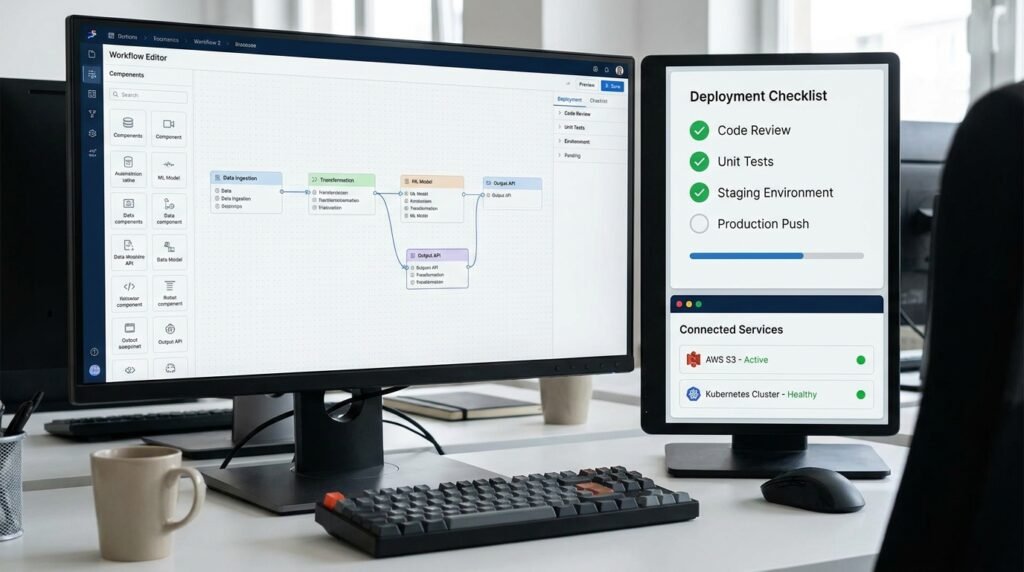
Plan for observability from the beginning. Someone should be able to answer: Did the workflow run? Which records did it process? Did each action succeed? What needs a human decision? A monitoring view or execution log can make these answers faster to find. The n8n workflow monitoring dashboard steps offer ideas for tracking workflow health. For integrations built on HTTP, the HTTP Semantics specification is a useful reference for understanding request methods and response behavior.
Security and privacy deserve the same attention as reliability. Limit who can edit or activate a workflow, review which data travels between services, and avoid sending confidential fields to broad notification channels. Confirm that the team’s retention and access policies apply to logs and copied records. If a workflow handles personal or regulated information, involve the person responsible for your organization’s privacy or compliance requirements before launch.
Use a small release checklist:
- There is a named owner and a documented business purpose.
- Credentials use appropriate, limited permissions.
- Normal, missing-data, duplicate, and service-failure cases have been tested.
- Errors are visible to someone who can resolve them.
- Repeat runs do not create harmful duplicate actions.
- The workflow can be paused without disrupting unrelated work.
Keep an eye on changes to connected apps and processes. A renamed CRM field, a revised form, or a new approval policy can invalidate an assumption even when the workflow itself has not changed. Review important automations periodically and after major app updates. For scheduled checks, choose an interval that matches the business need instead of running a workflow more often than necessary. This reduces needless activity and makes the automation’s purpose easier to explain.
Deploy n8n workflow templates with a repeatable team process
Small teams can deploy n8n workflow templates without turning automation into a separate engineering project. The key is to make each release small, assigned, and reversible. Treat a workflow like a lightweight operational tool: it has users, an owner, a defined outcome, and a maintenance need. That mindset helps founders avoid the common trap of importing many templates and then discovering nobody knows which ones are active or how they affect daily work.
Begin with a simple intake. Ask teammates to describe the recurring task, how often it occurs, who performs it, what systems are involved, and what errors cost the most time. Then rank candidate automations by frequency, effort, risk, and ease of verification. A repetitive internal notification with a clear expected result is usually a safer first project than automatically changing customer billing data. The goal is not to automate every manual step; it is to reduce avoidable effort while keeping useful human judgment in the process.
Give each workflow a clear owner before activation. The owner does not have to build every node, but they should understand the purpose, know where failures appear, and be able to pause the automation or request a change. If a process crosses teams, agree on who owns the source data and who responds when an action fails. That agreement is particularly important when an automated message or update is visible to customers.
Establish a simple lifecycle:
- Propose. Record the manual process, the expected benefit, and the risks of an incorrect or repeated action.
- Choose. Find a template that matches the trigger and destination, then inspect its assumptions before connecting accounts.
- Configure. Map fields, set permissions, add validation, and include a useful fallback for unexpected cases.
- Test. Verify representative successes and failures in a safe environment or with limited records.
- Release. Enable the workflow with an owner, a rollback plan, and a way to monitor initial executions.
- Review. Check whether the desired outcome is happening and remove or revise steps that no longer serve the process.
Decide when a human should remain in the loop. A workflow can gather information, draft a response, or recommend a route while leaving approval to a person. This is valuable when the action affects a customer relationship, a financial record, or a policy decision. If you later automate the final action, base that decision on observed accuracy and agreed safeguards rather than the fact that the workflow has run without visible errors for a short time.
Keep the automation inventory modest and useful. A shared list can include the workflow name, purpose, owner, trigger, connected systems, risk level, and last review. Avoid maintaining a catalog that nobody checks; a lightweight record is enough if it helps teammates understand what is live. For teams that host n8n themselves, it is also worth documenting backup and deployment responsibilities. The n8n self-hosting setup guide explains practical infrastructure considerations for that operating model.
Review outcomes rather than counting workflows. Ask whether response times improved, whether fewer records need manual correction, and whether alerts are still useful. If the automation creates more exceptions than it resolves, simplify it or return a decision to a person. A successful workflow should make a process easier to understand and operate—not merely add another moving part to the team’s stack.
Frequently asked questions
What are n8n workflow templates?
They are prebuilt workflows that you can import and adapt to connect triggers, apps, and actions. You still need to configure credentials, map your own data, and test behavior before relying on one in production.
Can a small team use a template without coding?
Many workflows can be configured through the visual editor, especially when the required apps have suitable integrations. Some scenarios need custom expressions, API requests, or code, so review the workflow’s nodes and data requirements before choosing it.
How should I test a workflow before activating it?
Test a normal record and edge cases such as missing fields, duplicates, and unavailable services. Verify the outcome in the connected apps, then check what the workflow does when an action fails or runs twice.
Where can I find workflow automation examples?
Start with the n8n template library and look for a workflow that matches your trigger, apps, and desired result. Treat examples as design references: check their assumptions and permissions, then adapt them to your own process.
Do templates need maintenance after deployment?
Yes. App fields, credentials, permissions, and business rules can change. Assign an owner, monitor failures, and revisit the workflow after significant process or integration changes.
How many n8n workflow templates should I deploy first?
Start with one high-frequency, low-risk workflow that has a clear owner and an easy-to-check result. Expand after you have confirmed that it works reliably and that the team can handle exceptions.
Conclusion: start with one useful automation
The strongest n8n workflow templates are the ones that fit a real business process, not the ones with the most nodes. Choose a repeated task, check the template’s assumptions, configure the minimum permissions, and test both successful and failed runs. Then assign an owner and monitor whether the workflow improves the outcome you intended.
When your first automation is stable, use what you learned to select the next one. Seelaunch LLC helps founders and small teams identify practical automation opportunities and build workflows that fit their operations. Talk with Seelaunch LLC about your automation goals and turn a recurring bottleneck into a reliable process.

